Assembly & calibration
Build the arm, zero the servos, first joystick drive.
lab 01RA01 · 4-axis desktop robotic arm
A real 4-axis robotic arm your students build, then program in the browser, on the Chromebooks they already have.
4
axes of motion
160 mm
working reach
13 weeks
of curriculum included
0
installs, runs in the browser
Three steps from cardboard box to a moving arm. No software to install, no IT ticket to file.
Laser-cut plates, four servos, one board. Every screw is numbered in the guide, so students assemble the arm themselves and learn the mechanics as they go.
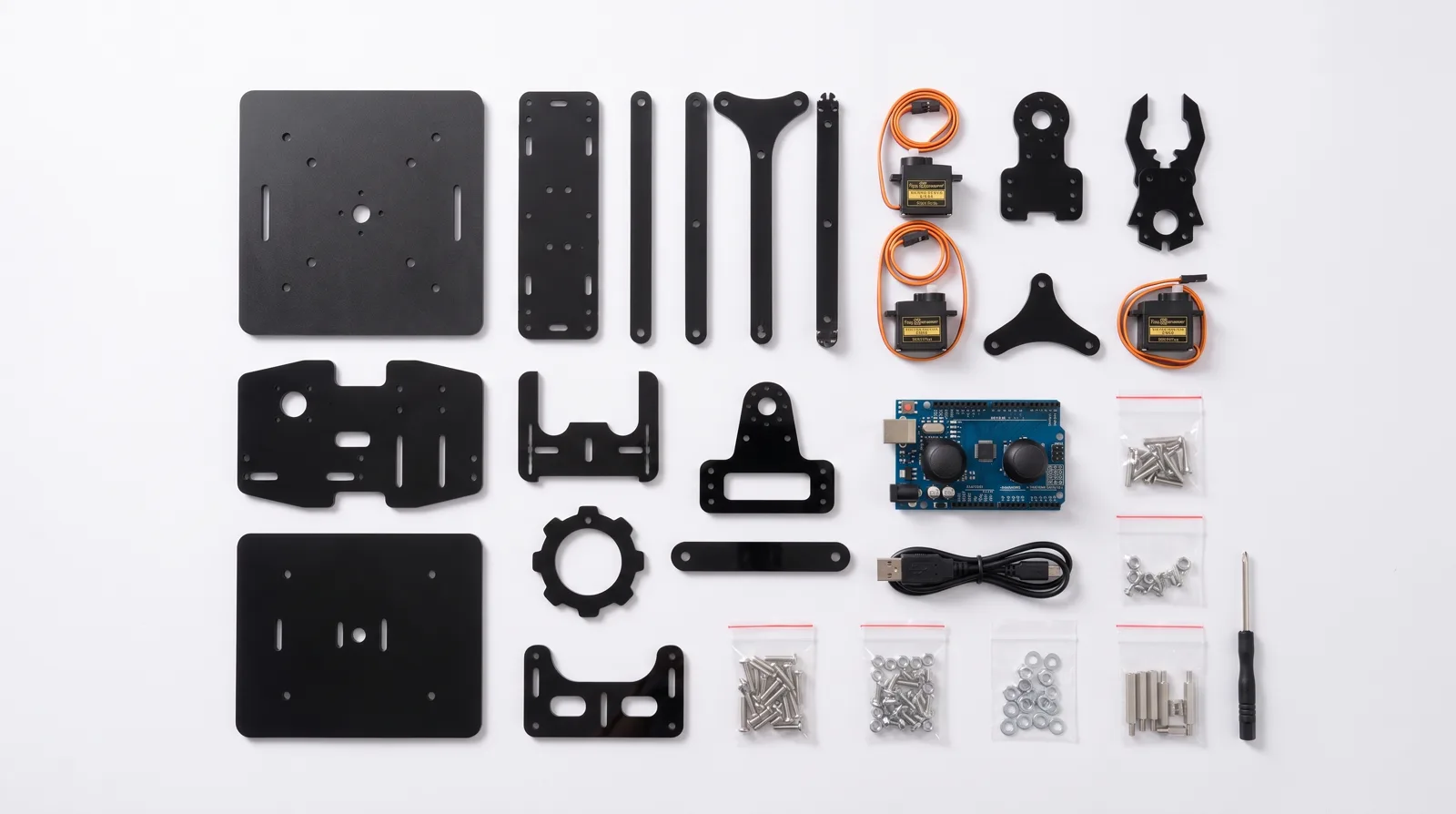
One USB cable to any laptop or Chromebook. The browser studio finds the arm on its own. Nothing to download, nothing to configure.
Run the first program and the arm picks something up. That first movement is the hook. Everything after it is engineering.
Under the acrylic is the same engineering as an industrial arm: four servo joints, inverse-kinematics math, and firmware your students compile from real C++, not a locked-down app pretending to be code.
pick_and_place.cpp
arm.moveTo(120, 40, 80);   // x, y, z in mm
arm.grip(CLOSED);
arm.moveTo(0, 150, 60);
arm.grip(OPEN);          // cube delivered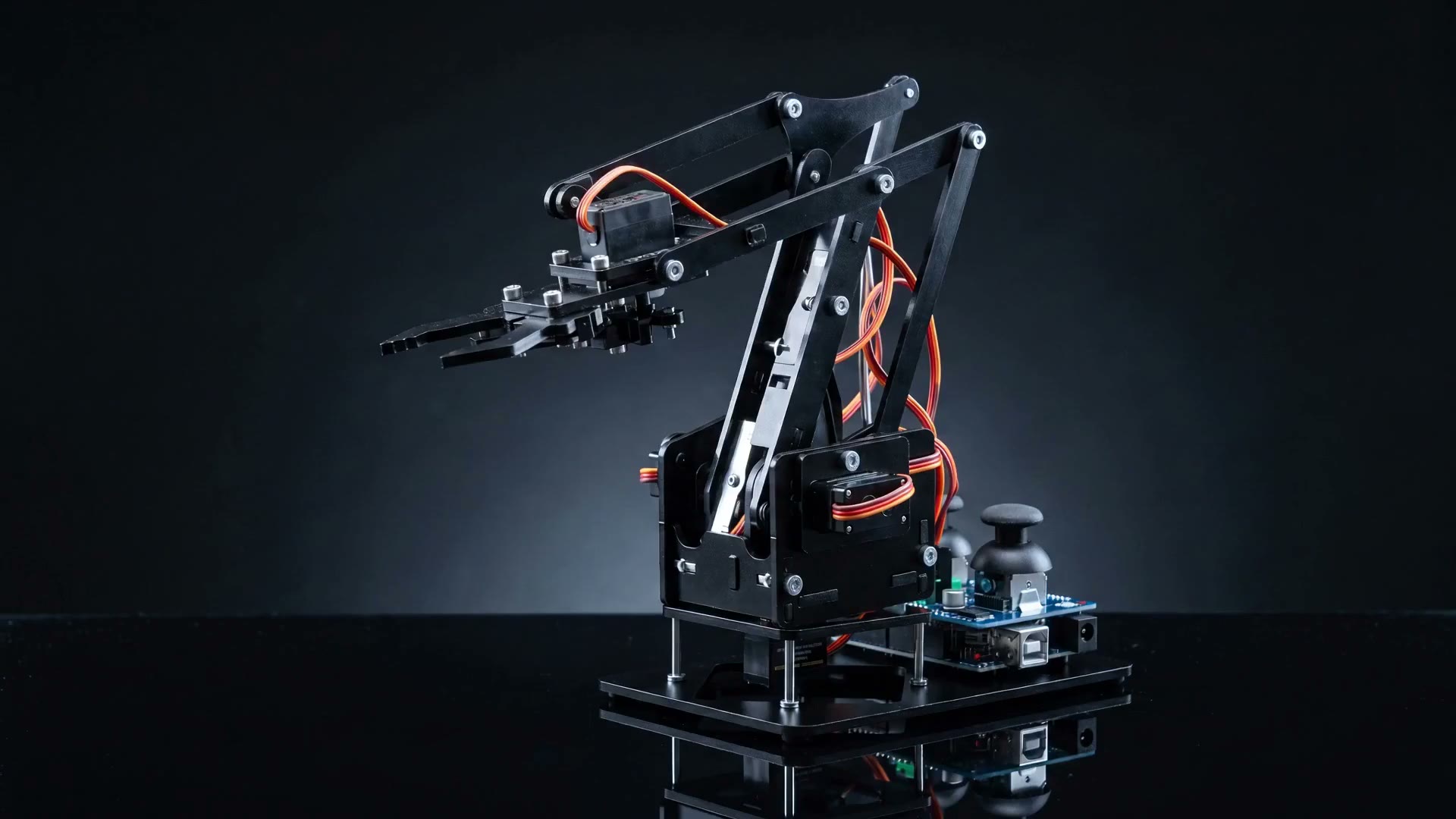
Inside the machine
Every part has a purpose. See inside.
Chromebooks, iPads, managed school laptops. If it opens a web page, it programs the arm. Nothing to install, so IT never has to say no.
Start in Blocks, flip to C++ when they’re ready. Same program, both directions, one click.
The program
A full semester of standards-aligned curriculum ships with the kit, with teacher guides, pacing, assessments. Not a PDF of project ideas.
drag →
Build the arm, zero the servos, first joystick drive.
lab 01Degrees, ranges of motion, why the arm reaches ~160 mm.
labs 02-03Sequences, loops, and the write-flash-move cycle.
labs 04-05The same program, two views. Students cross when ready.
lab 06From joint angles to x-y-z, the math that moves the gripper.
labs 07-08[placeholder: timed sorting and stacking tasks]
lab 09[placeholder: student-designed automation project]
lab 10Demo day, rubric-based assessment, portfolio export.
assessmentA full semester, planned. The curriculum ladder takes a class from first assembly to autonomous pick-and-place, with teacher notes, pacing, and assessments for every module.
13
weeks
8
modules
10
hands-on labs
Purchase orders accepted from U.S. schools.
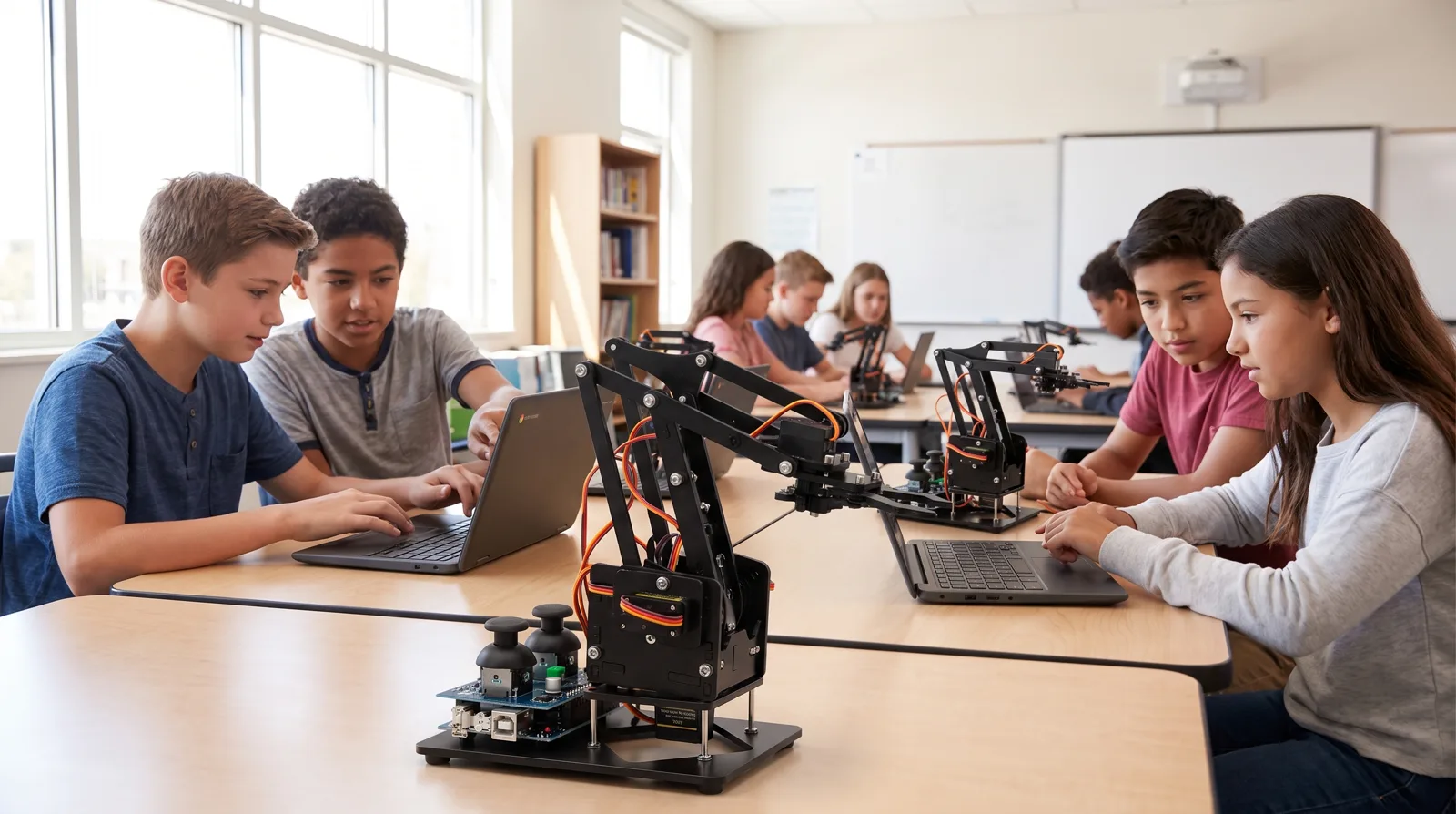
Class sets ship station-numbered with spare parts. The teacher dashboard shows every student’s code and progress across all 13 weeks. We accept purchase orders from U.S. schools.
10-station packs, numbered boxes, replacement acrylic and servos included, so no arm sits out a semester waiting on parts.
See every student’s studio session, push starter code to the whole class, grade against the built-in rubrics.
Consent flows for under-13 students, no ad tracking, district data agreements on request. Ask our competitors for this page. It does not exist.
Pricing
Classroom robotic arms run $995-$1,790 per station before curriculum. Ours ships with the studio, the LMS and all 13 weeks included.
Single kit
$[price]
one arm, one student or family
Class set
Most classrooms$[price]
per station, covering arms, curriculum and teacher tools for a full class
“[Testimonial, teacher quote goes here: what changed in their classroom the week the arms arrived.]”
The arm, the browser studio, and a semester of curriculum. One box, one budget line.
Occasional, short, and about this one product.